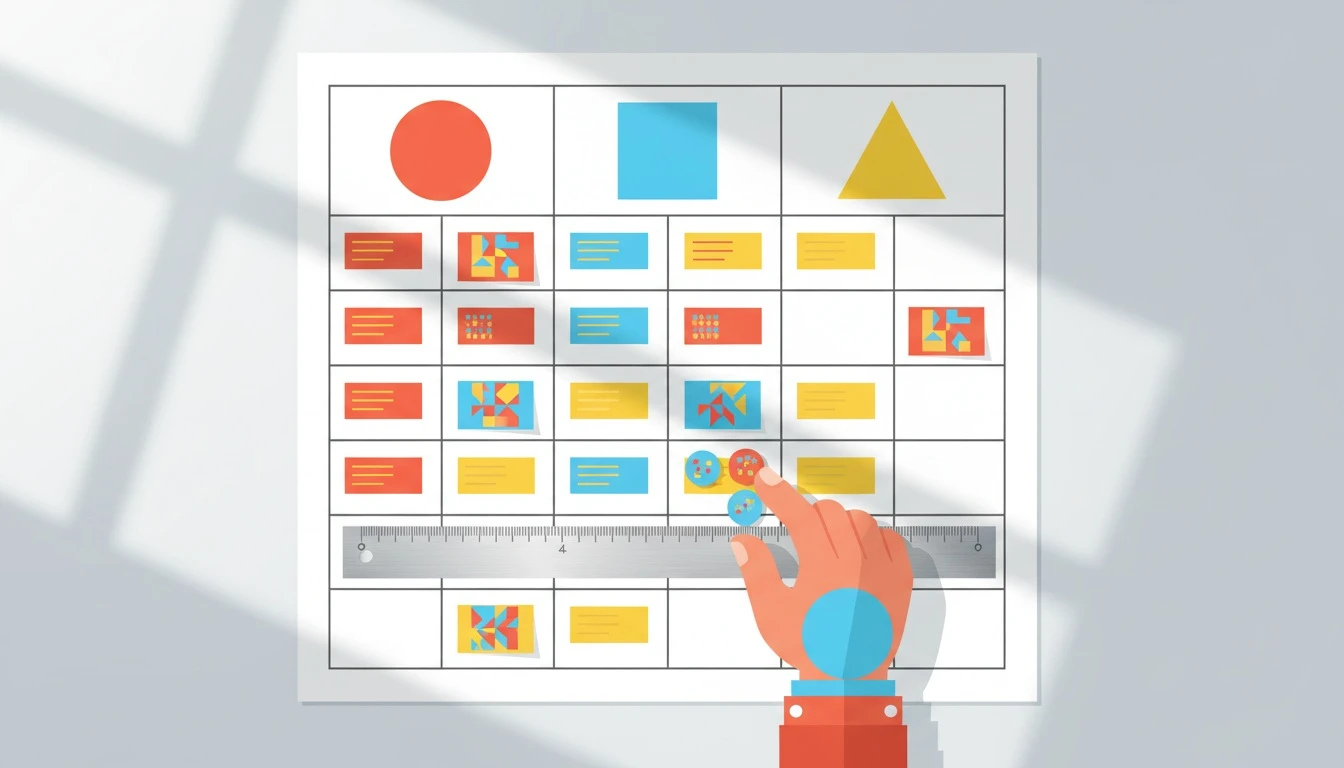
System analysis is the fastest way I know to stop spinning on “Option A vs Option B” when the tradeoffs are real and the consequences show up months later. In practice, that means choosing the right comparison tool. This guide shows exactly when a decision matrix template beats a pros and cons list, how to set criteria and weights, and how to rank options without fooling yourself.
Decision matrix template vs pros and cons list: the real difference
Decision matrix template work is about option ranking under explicit . A pros and cons list is about and emotional clarity.
Both are useful. They just solve different problems.
A pros and cons list is a single-column brain dump with loose scoring (if any). It’s great when you need momentum, when the decision is low-risk, or when your biggest issue is getting the thoughts out of your head and onto a page.
A decision making matrix forces structure: every option gets evaluated against the same criteria, using the same scale, often with weighted scoring. That structure is what makes it reliable when you have complex tradeoffs (money vs time, speed vs quality, short-term wins vs long-term risk).
One sentence I wish more teams internalized: Pros and cons helps you think. A decision matrix helps you choose.
When a pros and cons list is enough (and when it quietly fails)
A pros and cons list is enough when the decision has three traits: low reversibility, low stakeholder impact, and low criteria conflict. Think: choosing between two meeting times, picking a vendor for swag, or deciding whether to ship a minor UI tweak this sprint.
Where it fails is predictable:
First, it collapses unlike things into the same bucket. “Cheaper” and “less secure” land as two bullets with no shared unit of value. Your brain then “votes” based on mood, recency, or who spoke last.
Second, it hides your decision logic. If someone asks “Why did we choose this?”, the answer becomes a story, not a traceable evaluation.
Third, it amplifies decision-making bias. Availability bias (whatever you heard last), confirmation bias (whatever supports your favorite option), and loss aversion (overweighting downside) all thrive in unstructured lists. Daniel Kahneman’s work on how humans misjudge risk and uncertainty is still the clearest explanation of why this happens; a good summary lives in the overview of Kahneman’s research on cognitive biases.
Pros and cons is not “wrong”. It’s just easy to over-trust.
When a decision matrix template wins for complex tradeoffs
A decision matrix template wins when you have multiple criteria decision analysis problems: more than two options, more than three meaningful criteria, and any real disagreement about what “good” means.
You should default to a matrix when:
The decision is expensive or hard to reverse (hiring, roadmap bets, tooling, pricing changes).
Different functions value different outcomes (product wants speed, security wants risk reduction, finance wants predictability).
The best option is not obvious because each path has a different failure mode.
This is also where consensus decision making gets real. A matrix doesn’t magically create alignment, but it gives the team a shared artifact to argue about. Instead of debating opinions, you debate weights, definitions, and evidence.
We built Lucid for this exact moment: you start with messy inputs (typed or recorded), and it turns them into an options board with pros, cons, and consequences that stay consistent as context changes. If you’re deciding as a group, I’d also keep this nearby: how to choose a decision framework for your team.
How to build a decision making matrix with weighted scoring (step-by-step)
Decision making matrix setup is simple, but the details matter. If you rush the criteria or the weights, you get a spreadsheet that looks rigorous and still produces a political answer.
Here’s the workflow I use.
List the options (3-6 is a sweet spot). If you have 12 options, you’re not ready for scoring yet. You need a quick filter first.
Define 4-7 decision criteria. Each criterion must be measurable enough that two people can score it similarly. “User delight” is vague; “reduces time-to-first-value” is scorable.
Pick a scoring scale and stick to it (1-5 is fine). Write what a 1 and a 5 mean for each criterion.
Assign weights that reflect reality. If “security risk” is a deal-breaker, don’t give it the same weight as “nice UI”.
Score each option against each criterion using evidence, not vibes. If you have no data, mark the score as an assumption and track it.
Calculate weighted totals and sanity-check the result. The point is not to obey the number blindly. The point is to expose what’s driving the outcome.
Google’s own guidance on structured decision processes often shows up indirectly in how teams run experiments and evaluate tradeoffs. Their documentation on how to design good experiments and measure outcomes is a useful reminder: define what success means before you “measure”.
Decision matrix template you can copy (plus a decision matrix example)
Decision matrix template design is where most people overcomplicate things. Don’t. Start with a clean grid and add sophistication only if you need it.
Criteria (weight)
Option A score (1-5)
Option B score (1-5)
Option C score (1-5)
Cost (25)
4
2
3
Implementation time (20)
3
5
2
Risk (30)
2
4
5
Strategic fit (25)
5
3
4
Weighted total
(4*25)+(3*20)+(2*30)+(5*25)=335
(2*25)+(5*20)+(4*30)+(3*25)=345
(3*25)+(2*20)+(5*30)+(4*25)=385
How to read this decision matrix example without getting tricked by math
Option C “wins” on weighted total, but you still need to interpret why. In this example, C scores highest on Risk and high on Strategic fit, which are heavily weighted. If someone disagrees with the outcome, the right argument is not “I hate Option C”. The right argument is “Risk shouldn’t be weighted at 30” or “Option C’s risk score is inflated because we’re assuming X”.
That’s the whole value of the matrix: it turns a fuzzy disagreement into a specific one.
If you want this as a living board instead of a static table, Lucid’s decision board approach keeps criteria, pros/cons, and future consequences connected as you iterate. That “staying consistent” part is what most spreadsheets fail at once the context changes mid-decision.
Choosing criteria and weights: the part that determines whether you trust the result
Decision criteria are where rigor lives. I’ve watched teams spend hours scoring options and five minutes defining criteria, then wonder why the output feels wrong.
A practical rule: criteria should cover outcomes, not activities. “Number of meetings required” is an activity. “Time to implementation” is closer to an outcome. “Expected reduction in churn within 90 days” is an outcome.
Weights are even more sensitive. If you’re doing this with a team, don’t average weights silently. Get the disagreement on the table. A quick method that works: each stakeholder assigns weights privately, then you discuss the spread. The spread tells you where values conflict.
This is also where a decision framework beats a template. The template is the container. The framework is the reasoning discipline: defining what matters, what evidence counts, and what tradeoffs you’re willing to accept.
Pros and cons of AI for decision support (where it helps, where it hurts)
Artificial intelligence pros and cons matter here because AI can accelerate the messy parts of system analysis, but it can also create false confidence.
The pros and cons of AI in decision support are straightforward: it’s fast at generating option sets, summarizing constraints, and spotting second-order consequences you forgot to write down. It’s especially helpful when the input is unstructured, like meeting notes or a voice memo.
The risks are just as real. AI can “sound right” while being wrong, and it can overweight generic best practices instead of your actual context. The safest pattern I’ve seen is: use AI to draft options, criteria, and consequences, then force human review at the scoring and weighting layer.
That’s the design philosophy behind Lucid: AI helps you get to a structured board quickly, but the decision logic stays visible and editable. If you’re comparing AI tools more broadly, a clear overview of conversational AI apps and real use cases can help you choose what belongs in your stack.
Next step: turn your messy dilemma into a ranked options board
If you’re stuck in overthinking, don’t “think harder”. Switch formats. Take your current pros and cons list, extract 4-7 criteria, and score the options with weights. You’ll feel the decision snap into focus.
If you want the fastest path from unstructured notes to a living decision board, create your first Lucid board in minutes with Lucid account registration. Start with one real decision on your plate today, not a hypothetical.